
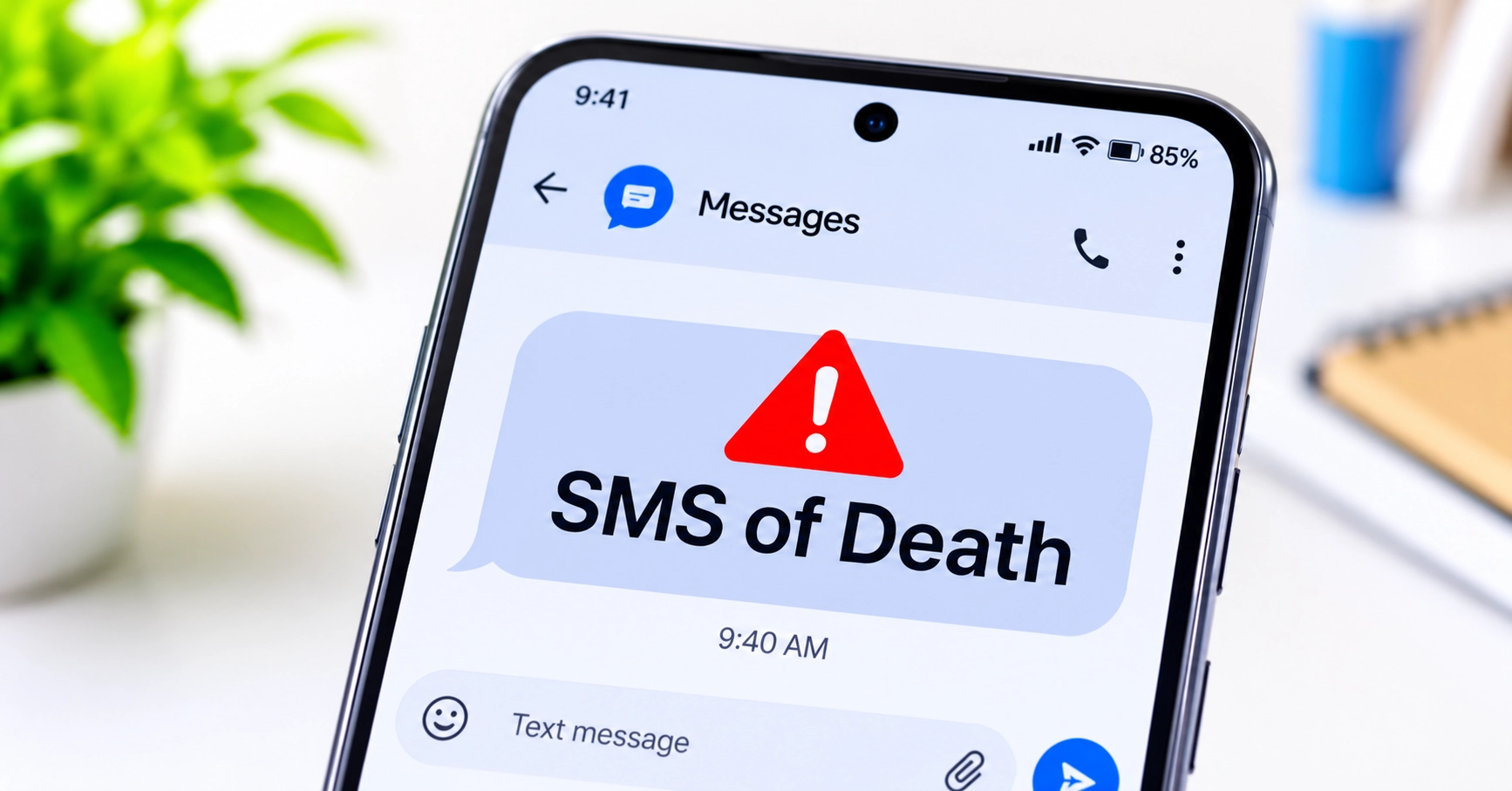
A newly disclosed Android vulnerability could let an attacker crash a phone’s calling system by sending it a specially crafted message. Called the “SMS of Death,” the flaw can interrupt active calls and temporarily disrupt mobile service without the recipient opening a message or tapping a link.
The problem lies in Android’s telephony software, which processes certain incoming data messages before they appear in the normal inbox. A public proof of concept was released on 29 October 2026. Google has also published a code change designed to stop the crash from repeating.
If you use Android, install the latest official update available for your phone and check whether your manufacturer has included the relevant fix. The Android version or security patch date alone may not confirm that this specific issue has been fixed on your device.
ThaiCERT’s advisory of 2 November says there is currently no confirmed evidence that the vulnerability is being exploited in real-world attacks.
Step 1: Check Your Android Security Update
Start by checking which security update your phone has installed. This will tell you whether your device is receiving recent updates, although it will not by itself prove that the SMS of Death fix is present.
- Open Settings.
- Look for Security and privacy, Software update or About phone.
- Find Android security update or Security patch level.
- Note the date shown.
- Check your phone manufacturer’s support page for updates for your exact model.
Menu names differ between Android manufacturers. If you cannot find the setting, search for “security update” in your phone’s Settings.
What is known about the Android versions?
The researcher says the issue was reproduced on Android 12 through Android 16. The researcher and subsequent reporting say the fix was included in October 2026 updates for Android 14 through Android 17. Android 12 and 13 did not receive the same fix in that update cycle.
Android version and reported fix status
What the researcher and security reporting say about the update.
| Android version | Reported update status |
|---|---|
| Android 12–13 | Not included The October 2026 update reportedly did not include this fix for these versions. |
| Android 14–16 | Reported included The researcher says the October 2026 updates included Google’s fix. |
| Android 17 | Reported included The researcher also reports the fix in the October 2026 update. |
These are reported software-version ranges, not confirmation of the status of every phone. Manufacturers and network providers control the timing and content of updates for their devices. The researcher’s reported test range also does not establish that every device running those versions is affected.
If your phone is still on Android 12 or 13, check whether the manufacturer offers a newer supported Android version. If it no longer receives security updates, ask the manufacturer about support for your model and consider moving to a device that still receives security fixes.
Step 2: Install the Latest Official Update
Google’s Android Open Source Project (AOSP) contains a code change titled “Fix remote DoS in decodeWapPdu.” The change was authored on 15 June 2026 and committed to the repository on 5 August.
It adds error handling when Android processes WAP Push messages. If the message cannot be decoded correctly, the system records a warning and removes the problematic message from its pending database. This is designed to prevent the same message from repeatedly crashing the telephony process.
To check for an update:
- Open Settings.
- Select System, Software update or your manufacturer’s update option.
- Tap Check for updates.
- Install any available official update.
- Restart your phone if the update asks you to.
Updates can arrive at different times depending on the manufacturer, model, region and network provider.
Do not treat an October 2026 security patch date as proof that your phone contains this particular fix. Google’s October Android Security Bulletin does not list CVE-2026-58882 as a separate entry. Later reporting says the fix was also distributed through security preview releases, and that the issue is expected to receive further bulletin coverage. However, the public information does not establish the exact status of every manufacturer’s retail software build.
If you need certainty, contact your manufacturer or mobile provider. Ask whether the update for your exact model includes Google’s WAP Push decodeWapPdu denial-of-service fix.
How Can One Message Crash an Android Phone?
The flaw affects a part of Android’s telephony framework called WapPushOverSms. It handles certain WAP Push messages, a type of data message that the operating system can process before it reaches the ordinary SMS inbox.
According to the researcher’s technical explanation, the problem occurs when Android reads a specially malformed message header. A length value is not properly checked before the system uses it in a memory operation. This can result in a negative value where a valid array size is expected.
Android can then encounter an error called NegativeArraySizeException. The crash affects the com.android.phone process, which handles important phone and cellular functions.
The reported effects include:
- Dropped calls: An active call may disconnect when the telephony process crashes.
- Temporary loss of mobile service: Cellular connectivity may be interrupted while the process restarts.
- Repeated crashes: The problem may happen again if the same message is processed repeatedly.
- More serious restart problems: The researcher says repeated messages caused some test devices to enter crash or reboot loops.
The researcher reported that around 20 messages could leave a test device unusable for an extended period. That is a reported test result, not evidence of widespread attacks against Android users.
This is a denial-of-service vulnerability. The research describes disruption to phone services; it does not establish that this flaw lets an attacker read private messages, steal photographs, access banking apps or take control of a device.
Is the SMS of Death an RCS Vulnerability?
No. The issue is not an attack on encrypted RCS conversations.
RCS, or Rich Communication Services, is a messaging standard that supports features such as read receipts, typing indicators and higher-quality media sharing. Apple’s support for encrypted RCS messaging is a separate development.
The SMS of Death issue concerns Android’s handling of WAP Push data messages. It is not evidence that ordinary SMS messages or encrypted RCS conversations are generally compromised.
Changing RCS settings, hiding message previews or disabling automatic media downloads has not been shown to fix this vulnerability. Those settings do not address the underlying problem in Android’s telephony software.
What Should You Do If Your Phone Starts Crashing?
Repeated crashes or sudden loss of mobile service do not automatically mean that your phone has been targeted. Network problems, faulty software, SIM issues and hardware faults can cause similar symptoms.
If your phone repeatedly restarts or loses its cellular connection:
- Use another phone if necessary. If you cannot make reliable calls, use another device to contact your network provider or manufacturer.
- Check for official updates. Ask the manufacturer whether your model has received the WAP Push decoding fix.
- Avoid unofficial repair apps. Do not install applications advertised as emergency patches from unfamiliar websites.
- Protect your data. Before attempting a reset or repair, consider how to back up important information safely.
The researcher has described an advanced recovery method using Android Debug Bridge (ADB). It requires a computer and technical knowledge to deal with problematic messages stored by the system. It is not a normal phone-settings procedure.
If your device is stuck in a restart loop, contact the manufacturer or a qualified technician. Do not experiment with unfamiliar commands or assume that a factory reset is necessary.
What Has Google Fixed?
Google’s AOSP code change addresses the failure that can occur when Android decodes a malformed WAP Push message. The change catches runtime errors during message processing and removes the problematic message record, helping prevent a repeated crash.
There is an important difference between the code change being available and a particular phone receiving it.
The researcher says the fix was included in October 2026 updates for Android 14 through Android 17. Android Authority has also reported that GrapheneOS identified the fix in Google’s security preview releases in July. However, the October Android Security Bulletin does not list CVE-2026-58882 as a separate vulnerability, and public information still does not confirm the status of every manufacturer’s device builds.
For users, the practical questions are simple:
- Has my manufacturer released an update for my exact phone model?
- Does that update include the WAP Push decoding fix?
- Is my phone still receiving security updates?
If you cannot find a clear answer, ask the manufacturer rather than relying on the Android version number alone.
What Android Users Should Know
The researcher publicly disclosed the issue and released a proof of concept on 29 October 2026. ThaiCERT’s 2 November advisory says there is no confirmed evidence of exploitation in the wild.
A proof of concept demonstrates that a vulnerability can be reproduced under test conditions. It does not, on its own, show that criminals are using it against the public.
The issue is a reminder that phones process some network messages automatically. A flaw in that process can disrupt essential calling functions even when a user has not opened a message or clicked a link.
For now, the sensible response is to install official updates, check your manufacturer’s information and avoid relying on messaging settings that do not fix the underlying software. If your phone no longer receives security updates, consider replacing it with a supported device.
How We Checked This
Secritic reviewed the researcher’s technical disclosure, Google’s Android Open Source Project code change, the October 2026 Android Security Bulletin, reporting by BleepingComputer and Android Authority, and ThaiCERT’s advisory published on 2 November 2026.
We compared the reported Android version ranges with the available Google code and bulletin information. The code change confirms that Google made a fix for the WAP Push decoding crash. However, the October bulletin does not list CVE-2026-58882 as a separate entry, and we could not independently confirm which retail builds from each manufacturer contain the change.
ThaiCERT reported no confirmed exploitation in the wild at the time of its advisory. We have therefore distinguished the researcher’s test results from confirmed real-world attacks.
CVE-2026-58882 is the identifier used in current reporting. At the time of this check, the official CVE and NVD pages did not provide a readable public record that we could independently verify. We have therefore not assigned the vulnerability an official severity score.
Sources
Technical disclosures, official updates and independent reporting.
-
01
Researcher’s technical disclosure Original vulnerability researchResearch
-
02
Google Android Open Source Project WAP Push decoding fixPrimary
-
03
ThaiCERT advisory Exploitation status and technical summaryAdvisory
-
04
BleepingComputer Independent security reportingNews
-
05
Android Authority Patch timeline and security preview reportingNews
-
06
Google October 2026 Security Bulletin Official Android security bulletinOfficial
-
07
CVE Program Information about CVE recordsReference
Community discussion
Join the conversation
1 comment
Sign in to comment
Join the conversation with your Secritic account. Comments are available to signed-in readers.