

Microsoft has updated Paint to handle damaged and unsupported image files more safely. I tested the application with four different PNG files on a Windows 11 computer. Paint remained open in every test, but it did not display an error message for every invalid image.
One file triggered an error, another produced a blank canvas, and a third displayed only part of its image.
The results reveal an important difference between keeping an application open and giving users a clear explanation when an image cannot be opened properly.
Why I decided to test Microsoft Paint
Microsoft Paint is one of the most familiar applications in Windows. People use it to open pictures, make simple edits, crop screenshots and save images.
But what happens when someone tries to open an image that is damaged or is not really an image at all?
An application should ideally explain the problem rather than unexpectedly close and leave users wondering what happened.
Microsoft has documented improvements intended to address this behaviour. I wanted to see how Paint responded in practice, so I created four different test files and opened each one in the application.
I did not use downloaded damaged images or anyone’s personal photographs. Every sample was created locally for this experiment.
What Microsoft changed in Paint
Microsoft documented improved handling of damaged and invalid image files in its June 2026 Paint release notes. The improvement was associated with version 11.2605.61.0. Microsoft said that opening a damaged or invalid image should produce a clear error message instead of closing Paint.
Microsoft published another relevant update on 6 November 2026. The release notes identify Paint version 11.2609.401.0 and describe clearer errors for damaged or unsupported files instead of unexpected application closure. The update was listed as rolling out to all Windows Insider channels.
I tested the version installed on my computer to see how its behaviour compared with Microsoft’s documented improvement.
The Windows computer and Paint version I tested
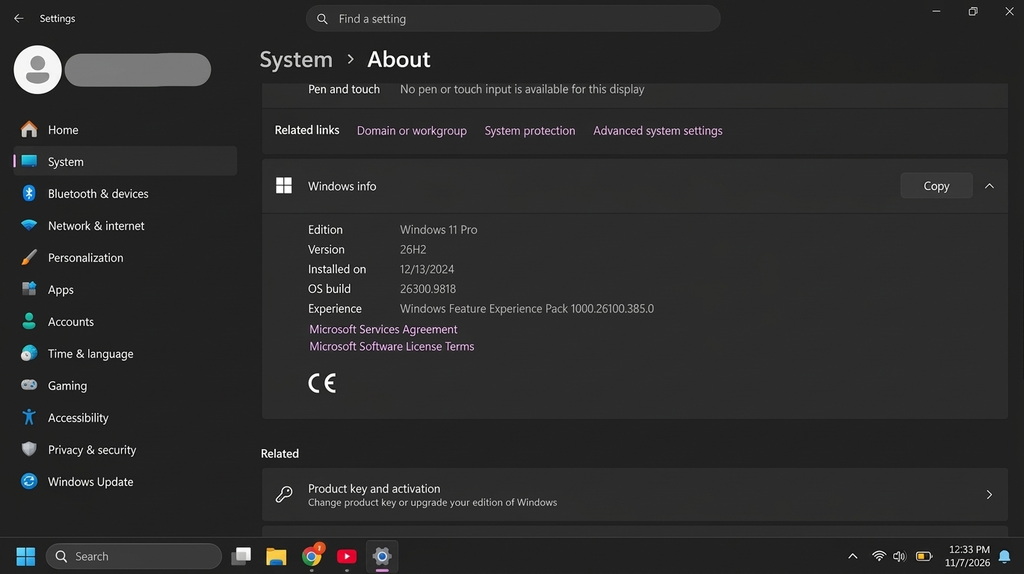
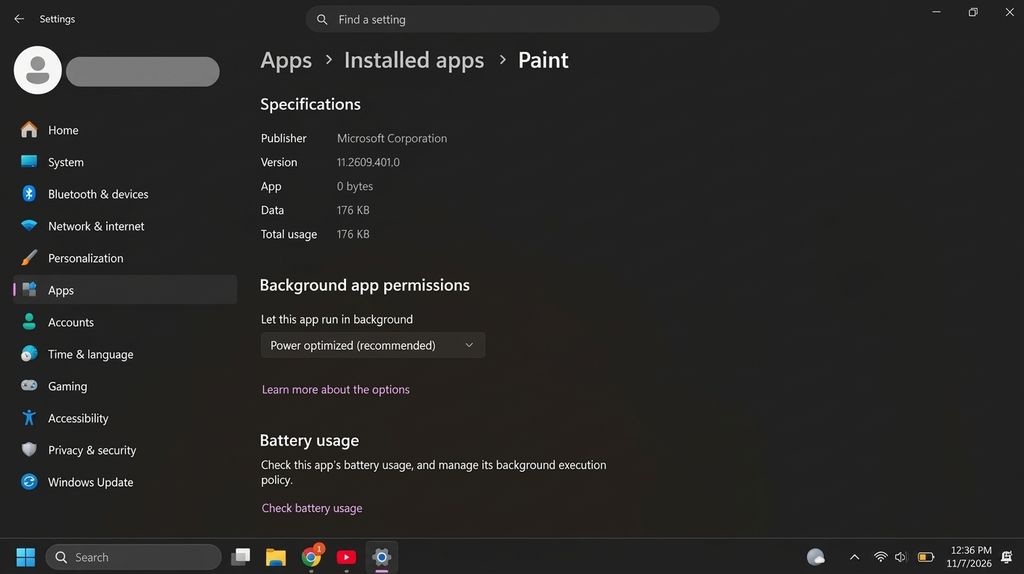
I performed the experiment on a computer running Windows 11 Pro, version 26H2, build 26300.9818. The installed Microsoft Paint version was 11.2609.401.0, and PowerShell was version 7.6.9. I conducted the tests on 7 November 2026.
Before starting, I checked Microsoft Store for available application updates. Paint appeared in the recent modification information, but I did not treat that date as proof that a new installation had taken place.
I also created a dedicated folder named Secritic Paint Experiment to keep the test files separate from my personal files.
What happened when I opened the four test images?
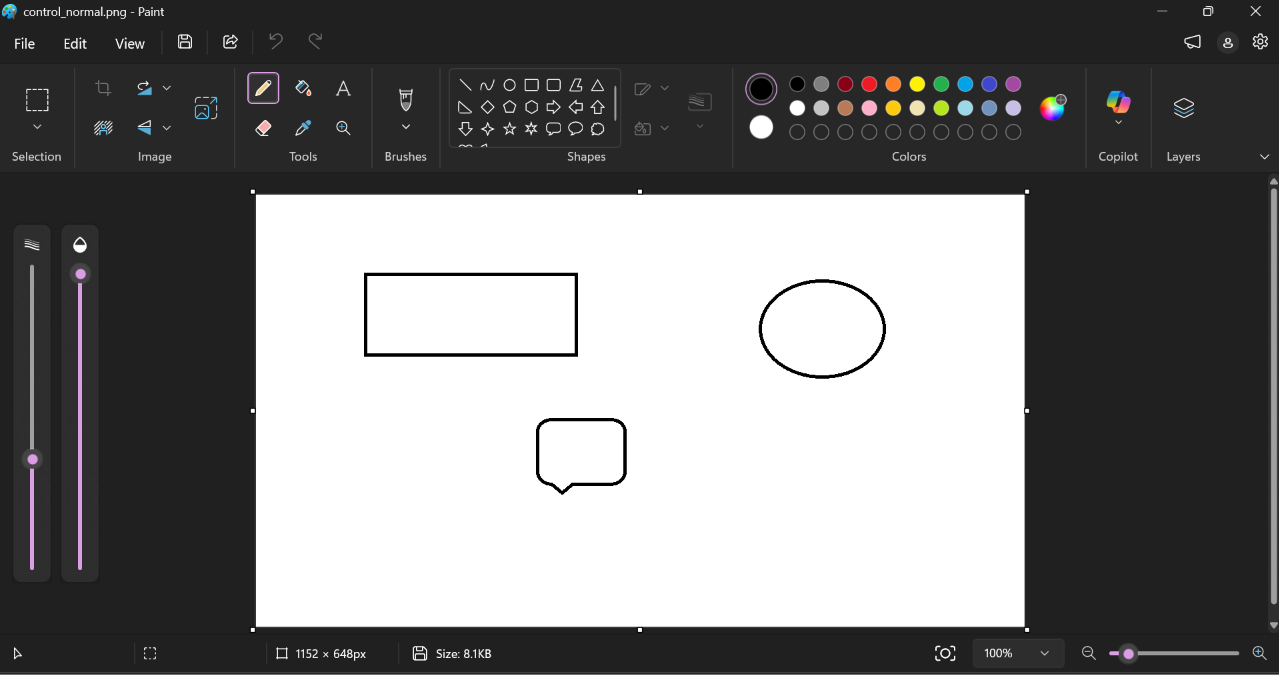
I began by creating a normal PNG image in Paint. It contained a simple rectangle and a circle plus a message box, and I saved it as control_normal.png. The file was 8,305 bytes.
After reopening it in Paint, the image appeared correctly. The application remained open, and no error message appeared. This gave me a working control sample against which I could compare the other files.
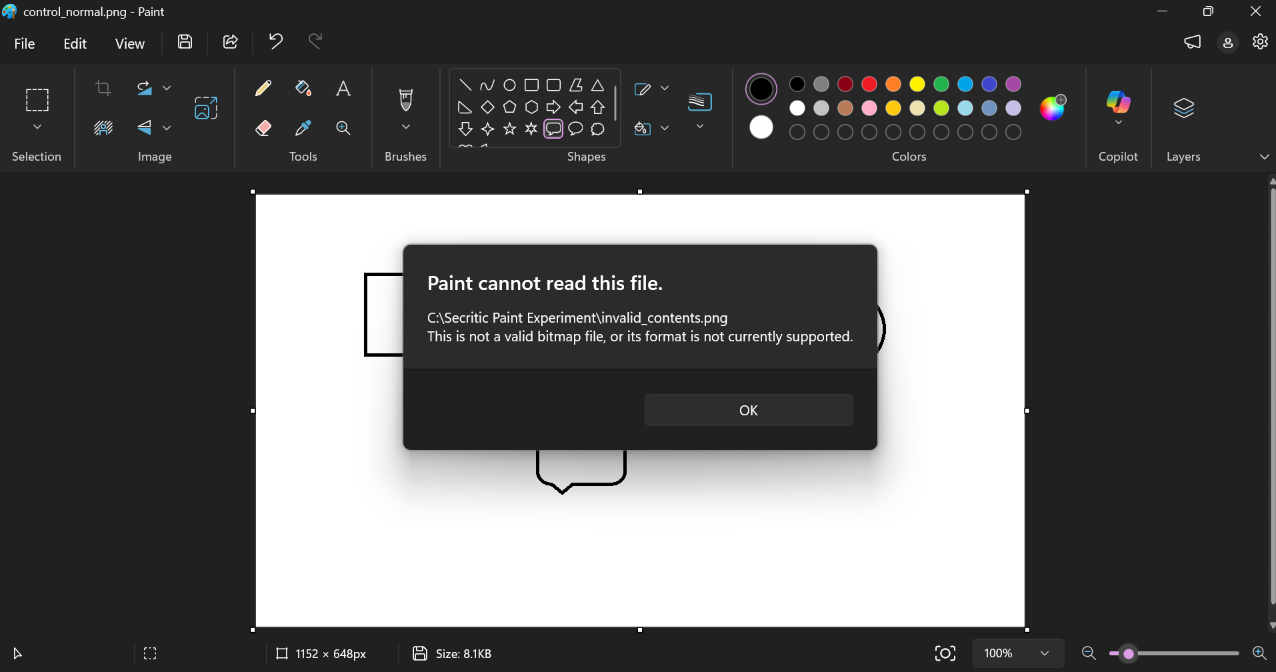
For the second test, I wanted to see what would happen if a file had a PNG extension but did not contain genuine image data. I opened Notepad, entered harmless sample text and saved it as invalid_contents.png.
Although the filename ended in .png, its contents were ordinary text rather than PNG image data. When I opened it in Paint, the application displayed an error message. After I dismissed the message, the canvas appeared white. Importantly, Paint did not close, and I could continue using it normally.
This was the clearest example of the error behaviour described in Microsoft’s release notes. It also demonstrated that changing a filename extension does not turn a text document into a genuine image.
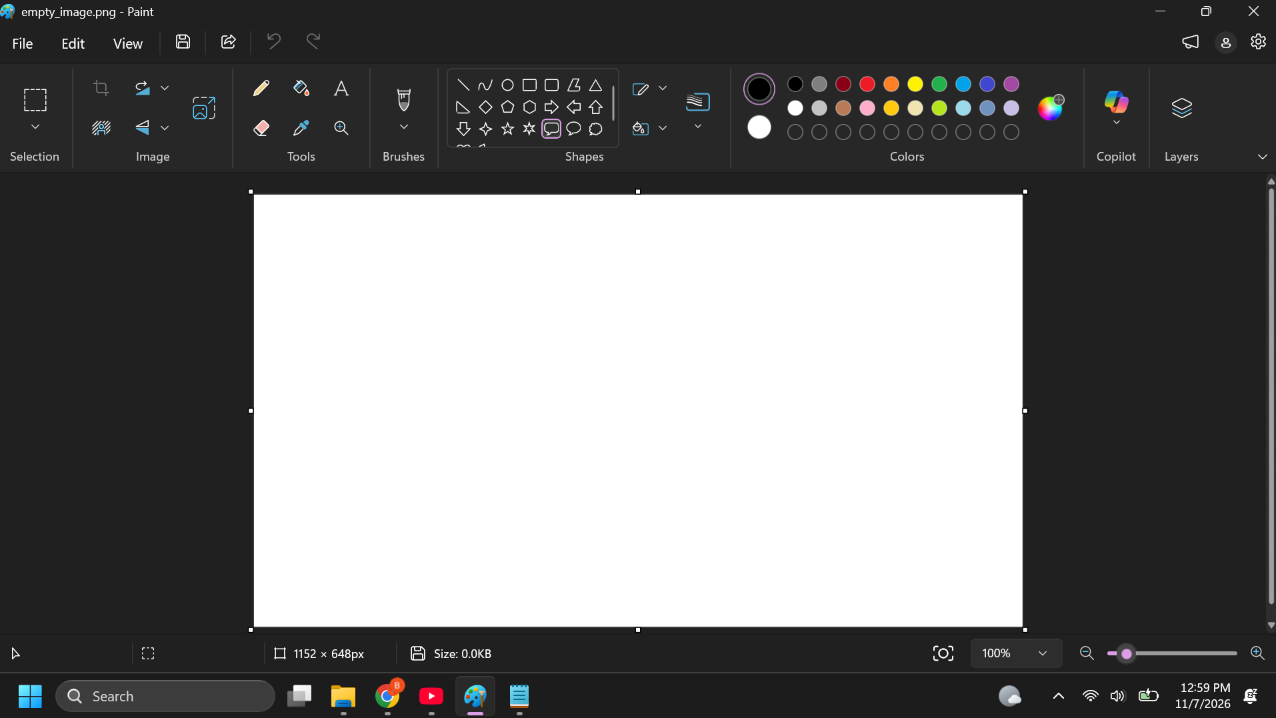
The third test involved an empty file. I created empty_image.png using PowerShell and checked its size with the Get-Item command. Windows reported a length of zero bytes, confirming that the file contained no data.
When I opened it in Paint, the result was different. There was no visible error message. Instead, the application displayed a white or blank background and remained open and usable.
The absence of an error did not mean Paint had successfully opened a valid image. The file contained no image data in the first place.
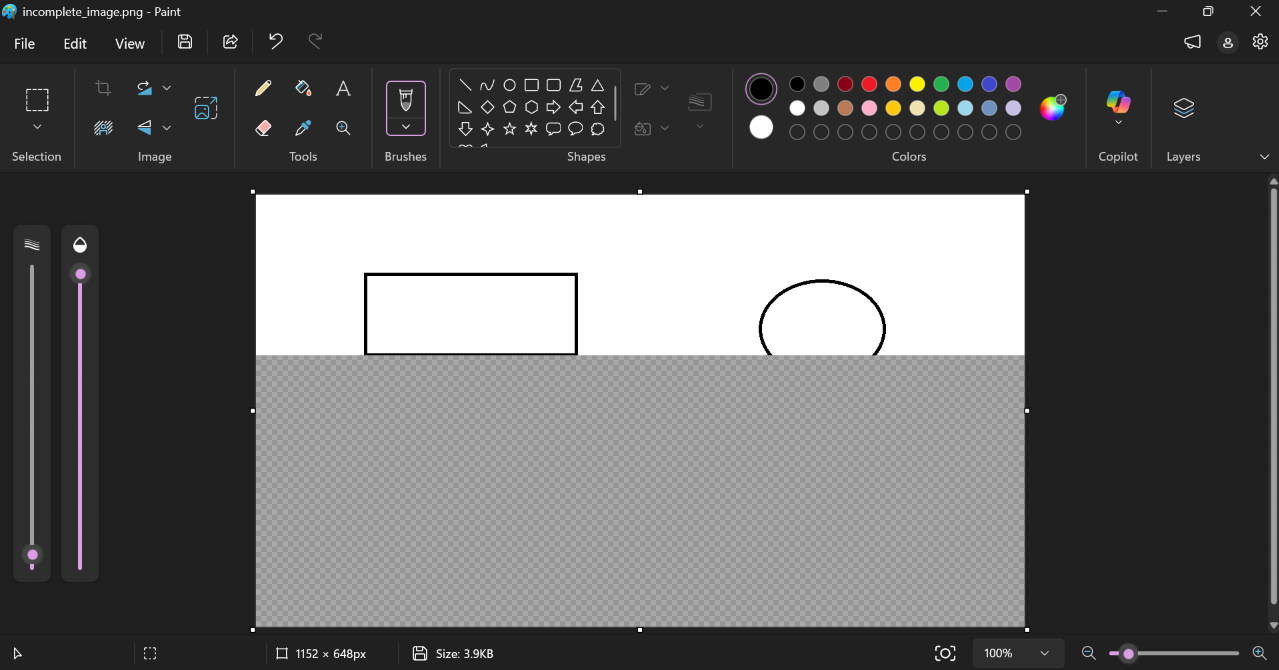
For the final test, I wanted to examine what happened when part of a genuine image file was missing. I made a separate copy of the original control image and named it incomplete_image.png. Using PowerShell, I shortened this copy from 8,305 bytes to 4,000 bytes. I then checked both files to confirm that the original remained unchanged.
When I opened the shortened copy in Paint, part of the image appeared. Below the visible portion, I could see a grey dotted or checkered area. Paint did not display an error message, and the application remained open and usable.
I repeated this test twice more and observed the same result. However, the partially displayed image was not a fully recovered picture. Part of its original data was still missing, and my experiment did not establish the precise internal reason for the grey dotted area.
What the results tell us
The four tests produced three different outcomes for invalid files. The text-based file triggered an error followed by a white canvas. The empty PNG produced a blank background without a visible error. The truncated PNG displayed part of its image, with a grey dotted or checkered area below it.
The normal PNG, meanwhile, opened correctly.
The most consistent observation was that Paint remained open and usable throughout all four initial tests. However, only the incorrect-content test clearly produced an error message.
These differences matter because the files were invalid in different ways. The text-based file contained data, but it was not structured as a PNG image. The empty file contained no data at all. The truncated file began as a genuine PNG, but some of its original data had been removed.
PNG images follow a defined file structure containing a signature and organised data sections. Removing part of a file can leave some information available while making the complete image unavailable. That provides useful context for the partial image displayed in the final test, although I cannot establish exactly why Paint displayed the grey dotted area.
My experiment suggests that Paint can remain operational when opening several different types of invalid or incomplete PNG files. But remaining open and displaying a clear error are not the same thing.
It also does not establish that Paint will handle every damaged image correctly. I tested four synthetic files on one computer, not every possible PNG structure, other image formats or every form of file corruption. I did not test malicious files or investigate Paint’s security protections.
For Windows users, the practical takeaway is simple: an error message, a blank canvas and a partially displayed image are different outcomes. A blank canvas does not prove that an image is valid, and a partially displayed image should not be treated as a fully recovered original.
Microsoft’s documented improvement is useful, but my results show that the application’s response can still vary depending on the file being opened.
How we tested
This investigation was conducted by Mutasim Billah, Founder and Lead Editor of Secritic News Desk.
I performed the tests on a Windows 11 Pro computer running Microsoft Paint 11.2609.401.0. I created the sample files locally using Microsoft Paint, Notepad and PowerShell.
The experiment included one genuine PNG control image, one text-based file saved with a PNG extension, one zero-byte PNG and one deliberately truncated PNG. I recorded Paint’s response, including visible error messages, displayed image content and whether the application remained open and usable.
I also repeated the incomplete-image test twice more and observed the same result.
The investigation was limited to four synthetic sample files on one computer. It was not a comprehensive image-format compatibility test or a security assessment.
The observations and screenshots in this article come from my own testing. Microsoft’s release notes provide the background on the documented Paint improvements.


Community discussion
Join the conversation
0 comments
Be the first to join in
There are no comments yet. Sign in to start a thoughtful discussion.
Sign in to comment
Join the conversation with your Secritic account. Comments are available to signed-in readers.