
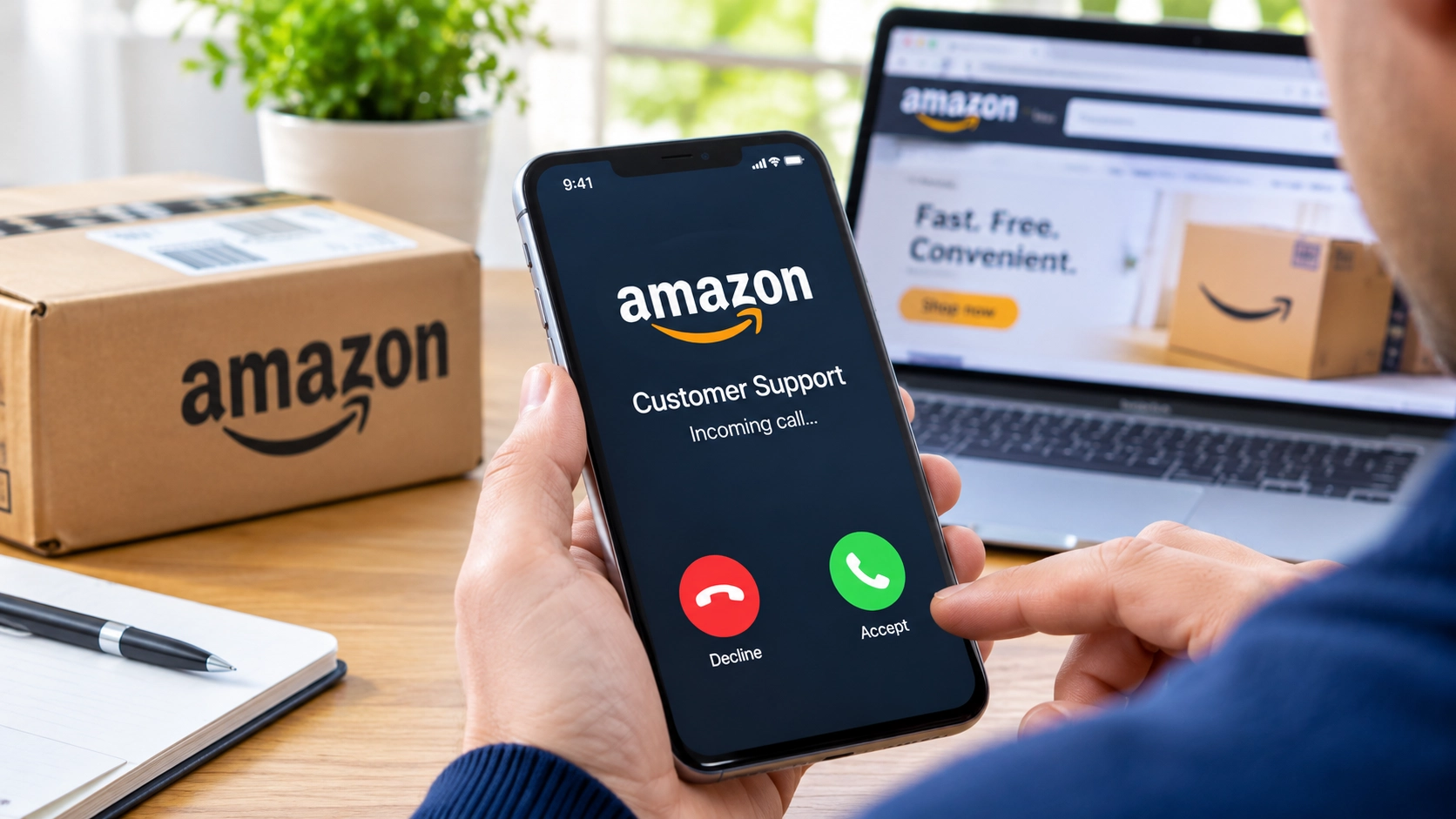
A phone call about an unfamiliar Amazon order can sound like a normal customer-service problem. The caller claims someone has accessed your account, added expensive products to your basket and may be using your bank details.
But the real danger may begin when the caller offers to help.
City of London Police says criminals impersonating Amazon representatives stole £86,837 between 5 and 14 October 2026. During that period, Report Fraud received 110 reports in which Amazon impersonation had been identified. People aged between 50 and 79 accounted for 60% of those reports.
The warning, issued on 30 October, describes how criminals persuaded people to share their screens, install money-transfer applications, provide identity documents or authorise payments.
These figures relate to the reports identified by Report Fraud. They should not be treated as a complete total of Amazon-related fraud across the UK.
City of London Police: Report Fraud warning about Amazon impersonation
How the fake Amazon calls begin
According to Report Fraud, criminals contact people unexpectedly while pretending to represent Amazon.
They claim suspicious activity has appeared on the customer’s account. They might say that unfamiliar products have been added to the shopping basket or that someone is trying to buy items using the customer’s bank details.
To make the story sound convincing, the caller may provide delivery addresses that do not belong to the customer.
The caller then offers to stop the supposed purchases and secure the account.
This is where the situation becomes dangerous. Instead of asking the customer to check their orders through Amazon’s official website or app, the caller gives instructions that can expose personal information or give them access to the customer’s device.
The police warning identifies several methods. They do not necessarily happen together or in the same order for every person.
How screen-sharing can expose your information
One reported method involves asking victims to share their screens through messaging platforms.
Imagine receiving a call about an expensive phone that you supposedly added to your Amazon basket. The caller says they need to see your screen to identify the suspicious activity.
You open your banking app while the screen-sharing session is active. Depending on the app and what is visible, the caller may be able to see information such as your account balance, transactions or security notifications.
There is an important difference between seeing someone’s screen and controlling their device.
A view-only screen-sharing session lets another person see what appears on the display. It does not automatically mean they can tap buttons, open applications or make transactions.
However, some software and permission settings can allow remote control as well. Even without that control, a caller who can see sensitive information may use it to persuade someone to reveal more details or approve a payment.
The Financial Conduct Authority (FCA) warns that criminals use legitimate applications, including AnyDesk, Microsoft Teams, TeamViewer and Zoom, in screen-sharing scams. The name of an application does not prove that the person asking you to use it is genuine.
The FCA advises consumers not to share their screens with people who contact them unexpectedly.
Financial Conduct Authority: Screen-sharing scams
What criminals can do with remote access
The October police warning describes another method: persuading victims to install remote-access software and allow criminals to control their devices.
A simple way to understand the difference is this: screen-sharing can be like letting someone look over your shoulder. Remote control can be like handing that person your mouse and keyboard.
If the necessary permissions are granted, a criminal may be able to operate the device and interact with applications. That can put financial accounts at risk, particularly if the victim opens online banking or follows the caller’s instructions.
An earlier example was reported by Sussex and Surrey Police in its August 2026 fraud newsletter.
The newsletter described a woman who received a call claiming an iPhone had been added to her Amazon basket. She checked her account, was told it had been hacked and was asked to share her screen and bank details. The fraudster took £900 from her accounts.
The same newsletter said police were seeing an increase in Amazon impersonation cases that often involved criminals gaining remote access to victims’ devices. It described how criminals could then access online banking and make transfers, sometimes claiming that money was being moved to a safe account.
This provides an earlier UK example of the same broad type of deception. However, there is no evidence establishing that the August case and the October reports involved the same criminals or one organised campaign.
Surrey Police: Fraud Newsletter, August 2026
Three other methods identified by police
Remote access is not the only risk in the October warning.
Money-transfer applications
Report Fraud says victims were asked to download money-transfer applications. Criminals then used these applications to move money into accounts they controlled.
A customer may believe they are following instructions to protect their money, when they are actually being guided through a payment that sends it to criminals.
Passports and driving licences
Some victims were asked to provide identity documents, including passports or driving licences, supposedly for verification.
Report Fraud says criminals use the information obtained to facilitate fraud and transfer money. Do not send identity documents to an unexpected caller claiming to represent Amazon.
Gift-card payments
In another reported method, callers claimed that gift cards had been added to the customer’s Amazon basket without permission. They then created urgency and persuaded victims to authorise payments that were sent to accounts controlled by criminals.
Amazon warns customers about requests for gift-card details, payments outside its platform and attempts to obtain remote access to their devices.
Amazon: How to identify fake phone calls
Why caller ID cannot prove who is calling
A caller may sound professional, know the name of a familiar company or display a telephone number that looks genuine.
None of these details proves their identity.
In a separate warning published on 15 October, Report Fraud described criminals using spoofed telephone numbers to make calls appear to come from genuine police forces. Spoofing software can hide the real caller ID and display the number of a trusted organisation instead.
That warning concerned police impersonation. The October Amazon announcement does not establish that spoofed numbers were used in the Amazon cases.
It does, however, reinforce an important point: never rely on the number displayed on your phone to verify an unexpected caller.
Report Fraud: Police telephone numbers being spoofed
What Amazon says customers should do
Amazon advises customers to end suspicious calls and contact its customer-service team through the official website or mobile app.
If someone claims an unfamiliar order has been placed, check your order history directly through your Amazon account. Do not use a link, telephone number or application supplied by the caller.
Amazon says legitimate representatives will never ask customers to provide one-time passwords (OTPs) over the phone. It also warns against requests for passwords, gift-card details, bank-card details or other confidential information.
Customers can also use Amazon’s reporting process for suspicious communications. Its help centre provides separate guidance for people who have shared account information, banking details or remote access to their devices.
Amazon: Identify fake phone calls | Amazon: Report a scam
What to do if you have already shared information
The right response depends on what the caller received or was able to access.
If you only shared your screen: End the session. Think about what was visible, especially passwords, banking information and security codes. If you entered a password while someone was watching, change it from a device you trust. Contact your bank if financial information may have been exposed.
If you installed remote-access software: End the session and do not use that device for banking until it has been checked. Contact your bank using another device and explain that someone may have had remote access. Change exposed passwords from a device you trust, and ask a reputable IT professional to check the affected device.
If the software was installed on your phone, contact your mobile provider as well. Ofcom advises people to avoid using banking apps on a phone after installing something suspicious until they are sure the device is safe.
If you shared a password or one-time code: Contact the relevant bank or service immediately. Change the exposed password from a trusted device, including on any other accounts where you reused it. Do not approve a login or payment request that you did not initiate.
If you provided a passport or driving licence: Include this information when reporting the incident. Watch for unfamiliar financial activity and check your credit record for applications you do not recognise.
Citizens Advice recommends contacting your bank if financial information may have been stolen, resetting compromised passwords and getting an IT professional to check a computer that a scammer has accessed.
Citizens Advice: What to do if you’ve been scammed
How to report a fake Amazon call in the UK
If you receive a suspicious mobile call, you can report the number by texting CALL, followed by the caller’s number, to 7726.
If you have lost money or been targeted by fraud, report it to Report Fraud or call 0300 123 2040. People in Scotland should contact Police Scotland on 101.
If your bank account or card may be at risk, contact your bank immediately using the number on your card or its official app. You can also call 159 if your bank supports the service.
Ofcom: What to do about a scam call, text or message
What the Police Figures Reveal — and What They Do Not
These figures relate to the reports identified by Report Fraud. They should not be treated as a complete total of Amazon-related fraud across the UK.
The figures published by City of London Police on 30 October 2026 come from reports received by Report Fraud, the UK’s national fraud and cybercrime reporting service. Between 5 and 14 October, the service recorded 110 reports identifying Amazon impersonation, while reported losses linked to the scam totalled £86,837.
Report Fraud said people aged between 50 and 79 accounted for 60% of those reports. These figures show the financial impact recorded during that period, but they should be read in context: 110 is the number of reports received, not a confirmed count of every person affected across the UK, and the £86,837 figure is not a measure of all losses from Amazon impersonation scams nationwide.
The police alert describes the methods identified in the reports, including screen-sharing, money-transfer apps, remote-access software and requests for identity documents, but it does not name any suspects or establish that every incident involved the same criminals or one coordinated operation.
The available figures therefore provide evidence of a reported pattern and its recorded losses, not a complete picture of the scale or organisation behind the fraud.
The warning is bigger than an unfamiliar Amazon order
The £86,837 reported loss shows the financial damage that can follow when criminals impersonate a familiar company.
But the methods described by Report Fraud reveal a wider risk. A person who follows the caller’s instructions may expose banking information, identity documents, security codes or access to their device.
The safest response is simple: end an unexpected account-security call, check the claim through Amazon’s official channels and never let an unverified caller direct your payments or control your device.
If there is a genuine problem with your account, you can deal with it through Amazon directly. You do not need an unexpected caller to take control of your phone or computer.



Community discussion
Join the conversation
0 comments
Be the first to join in
There are no comments yet. Sign in to start a thoughtful discussion.
Sign in to comment
Join the conversation with your Secritic account. Comments are available to signed-in readers.