
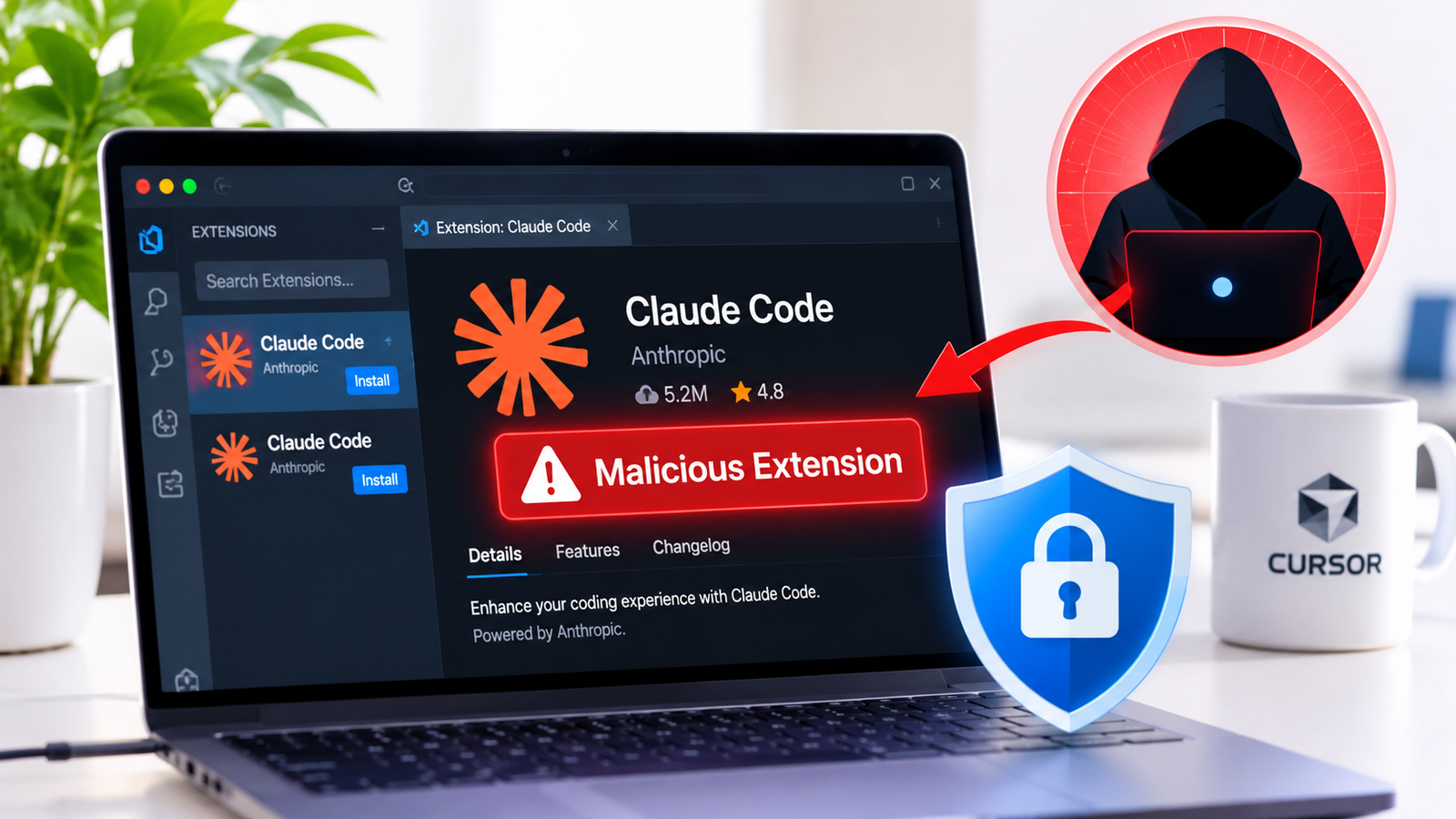
Uninstalling a suspicious coding extension does not always remove everything it has placed on your computer. That is the warning for developers who installed a malicious version of Anthropic’s Claude Code extension through Cursor’s extension marketplace on 29 October 2026.
The affected versions, 2.1.312 and 2.1.313, contained code designed to collect information about a computer, add an unauthorised SSH key and attempt to establish a persistent route for remote access.
Cursor estimated that up to 5,000 users could have been exposed during an approximately 11-hour distribution window. This is a potential exposure estimate, not a confirmed count of infected computers or successful intrusions.
The concern is what the malicious extension attempted to leave behind. It could create files and background processes outside the extension itself. As a result, removing the extension from Cursor does not necessarily remove every component it may have installed.
If you installed either affected version through Cursor’s marketplace during the reported period, do not assume that uninstalling it has made your computer safe. Check the device and follow Cursor’s official remediation instructions.
What happened to the Claude Code extension?
On 29 October 2026, Cursor disclosed that a modified version of Anthropic’s Claude Code extension had been available through its VS Code extension marketplace.
The package used the familiar identifier Anthropic.claude-code, but Cursor said the malicious versions were not developed by Anthropic.
According to Cursor’s original security notice, the affected versions were available between approximately 2:27 a.m. and 1:35 p.m. Pacific Daylight Time on 29 October. That corresponds to approximately 09:27–20:35 UTC.
The affected versions were:
2.1.3122.1.313
Both Windows and macOS packages were involved.
Cursor removed the malicious packages and blocked further distribution. It also temporarily shut down its marketplace while investigating. The company said it audited access, found no evidence that other extensions had been tampered with, rotated its keys and rebuilt the marketplace.
It also worked with the hosting provider to take the attacker’s server offline.
However, taking the server offline did not automatically clean computers on which the malicious package had already run. Files, SSH keys and startup mechanisms written to an affected device could remain there.
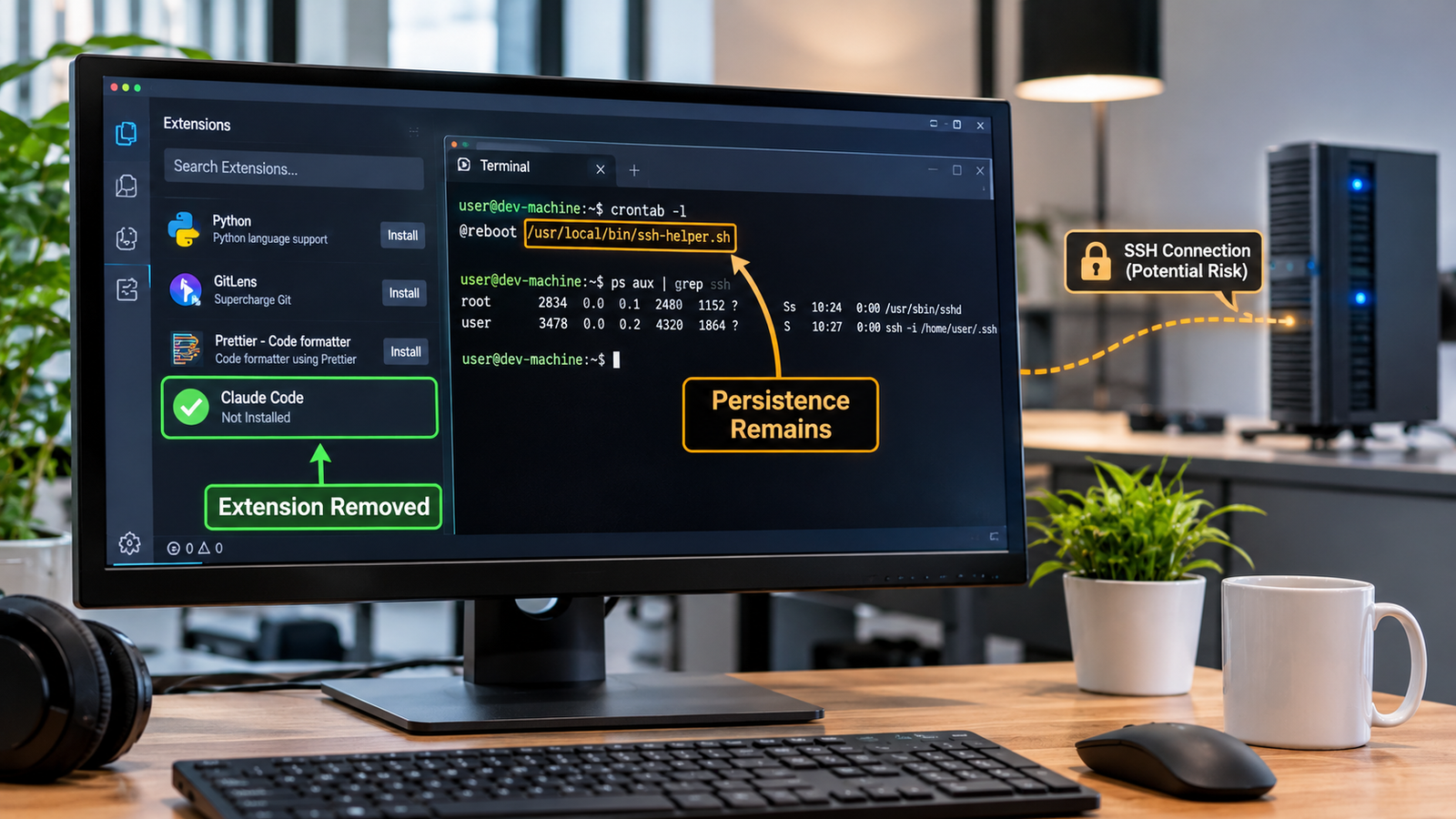
Cursor specifically warned that uninstalling the extension might not be sufficient because the malicious package could leave separate persistence scripts running.
That is the central issue for users: removing the extension does not necessarily remove everything it installed.
How did a coding extension become a security threat?
AI coding extensions connect an assistant to a developer’s editor and working environment. Depending on the editor, operating system and permissions available, an extension may be able to read project files, run commands or interact with development tools.
Those capabilities make coding assistants useful, but they also mean that a malicious extension can become a security risk.
In this incident, the modified package contained code that attempted several actions when it ran. Microsoft Security Research’s technical investigation examined how the package attempted to collect system information, add an SSH key and establish persistence.
1. It attempted to collect information about the computer
The malicious code attempted to collect and send details about the computer and its user, including:
- Computer hostname and username.
- Operating system and system architecture.
- Home-directory location.
- Names of environment variables.
- Working directories and configured Git email.
- Public IP address.
This information can help an attacker understand the computer and the development environment in which it operates.
Environment variables deserve particular attention. Developers often use them to configure applications and connect to external services. Depending on the setup, their values may contain sensitive information such as API keys or access tokens.
However, there is an important distinction: the reported collection of environment-variable names is not proof that the values of those variables, or credentials stored in them, were stolen.
Cursor said the limited information collection did not rule out the possibility of later credential access through the attempted backdoor. That is why it recommended reviewing and rotating credentials accessible from affected computers.
2. It tried to add an unauthorised SSH key
The extension also attempted to add an attacker-controlled public key to a file called authorized_keys.
SSH stands for Secure Shell. It is commonly used by developers and system administrators to connect securely to computers and servers over a network.
An authorized_keys file contains public keys that are allowed to authenticate to a particular account. If an attacker adds their own key, someone holding the matching private key may be able to access that account through SSH, provided the relevant service and permissions are available.
Cursor identified the added key using the comment svc-telemetry.
This is significant because the attack was not limited to collecting information. The package also attempted to create another way to access the computer.
3. It attempted to establish a remote connection
The malicious code attempted to enable the computer’s local SSH service and create a reverse SSH tunnel to infrastructure controlled by the attacker.
A reverse SSH tunnel is a connection initiated from one computer to another. It can allow an external system to reach a service on the first computer through that connection.
However, Cursor identified an important limitation.
Enabling the local SSH service required administrator privileges. The malicious extension generally did not have those privileges on ordinary Windows and macOS systems. Cursor also reported errors in the malicious code that affected this step.
As a result, Cursor said this part of the attack would fail on most ordinary systems.
This qualification matters. The available evidence does not establish that attackers successfully opened a working remote connection to every computer on which the extension was installed.
However, Cursor said the package could still add the unauthorised SSH key, install persistence mechanisms and send host information even when the remote tunnel could not be established.
4. It attempted to remain active after removal
The malicious package also attempted to create mechanisms that could run separately from the extension.
On macOS, it used a LaunchAgent. On Windows, it attempted to create a scheduled task, with a startup-script fallback.
These are operating-system features that can automatically start programs when a user logs in or a computer starts.
This explains why uninstalling the extension may not be enough. The extension itself and the additional files or startup mechanisms it creates are separate components.
If those components remain on a computer, they may continue attempting to run even after the original extension has disappeared from the editor.
Cursor said the background scripts were designed to retry the remote connection roughly every 60 seconds. The company subsequently reported that the attacker’s server had been taken offline, so the connection to that infrastructure was no longer functioning.
That did not automatically remove the files and mechanisms already written to an affected computer.
Were 5,000 computers actually compromised?
There is no verified evidence that 5,000 computers were successfully compromised.
Cursor’s estimate describes the potential reach of the incident. It does not establish how many users downloaded the affected packages, how many devices successfully executed the malicious code or how many attackers actually accessed.
There are several different stages in an incident like this:
- Exposure: A user installs or updates to an affected extension.
- Execution: The malicious code runs on the computer.
- Persistence: The code successfully creates files or startup mechanisms that can run independently.
- Remote access: An attacker establishes a working connection to the computer.
- Further activity: The attacker uses that access to obtain information or carry out other actions.
Evidence of one stage does not automatically prove that every later stage occurred.
Cursor said the attacker’s server had been taken offline. It also explained that the attempt to enable the local SSH service would fail on most ordinary Windows and macOS computers because administrator privileges were required.
These details limit what can responsibly be claimed about the attack. They do not remove the need to investigate a potentially affected device.
Why security checks may need to cover more than the exposure window
The incident-response company Expel reported that it investigated four related cases. In one of those cases, suspicious activity began approximately eight hours after Cursor’s stated distribution window had ended.
This observation is important for organisations investigating the incident. Checking only activity during the 11-hour period when the extension was available could miss later suspicious behaviour associated with an affected computer.
However, Expel’s finding relates to one of its four investigated cases. It does not prove that every exposed computer was compromised or that every user experienced delayed activity.
The practical lesson is that security teams should consider the wider activity of affected devices rather than restricting their investigation to the time when the extension was available for download.
Which users should check their computers?
The main concern is for Windows and macOS users who installed or updated Anthropic.claude-code through Cursor’s extension marketplace during the reported exposure window.
| Extension identifier | Anthropic.claude-code |
|---|---|
| Affected versions | 2.1.312 and 2.1.313 |
| Distribution source | Cursor VS Code extension marketplace |
| Date identified | 29 October 2026 |
| Exposure window | 2:27 a.m.–1:35 p.m. Pacific Daylight Time |
| Affected operating systems | Windows and macOS |
| Potential reach | Up to 5,000 users, according to Cursor |
This includes people whose editors automatically updated the extension during the exposure window, not just those who manually searched for and installed it.
If you do not remember installing the extension, check your editor’s installed extensions and version history, where available. If you find evidence that either affected version was installed during the reported period, follow Cursor’s remediation guidance.
Seeing a newer version now does not establish that the computer was never exposed. Updating or uninstalling an extension does not necessarily remove files or persistence mechanisms that may have been created earlier.
Were Anthropic’s official and Microsoft’s distributions affected?
Microsoft’s investigation makes an important distinction between the malicious package in Cursor’s marketplace and Anthropic’s official distribution channels.
Microsoft said the affected packages were not published or distributed through Microsoft’s Visual Studio Marketplace or Anthropic’s official npm package, @anthropic-ai/claude-code. It also said Anthropic confirmed that its systems had not been compromised and that it had not developed the malicious package.
Microsoft’s assessment was that the available evidence pointed to the Cursor marketplace as the affected distribution channel.
This does not mean every Claude Code user, every Cursor user or every AI coding assistant user was affected. The reported incident involved specific modified packages distributed through a particular marketplace.
Users should check where they obtained the extension and which version they installed before deciding whether their computer needs investigation.
How to check for the malicious SSH key
Cursor identified an unauthorised SSH key using the comment svc-telemetry. Its security notice provides commands to look for that specific indicator.
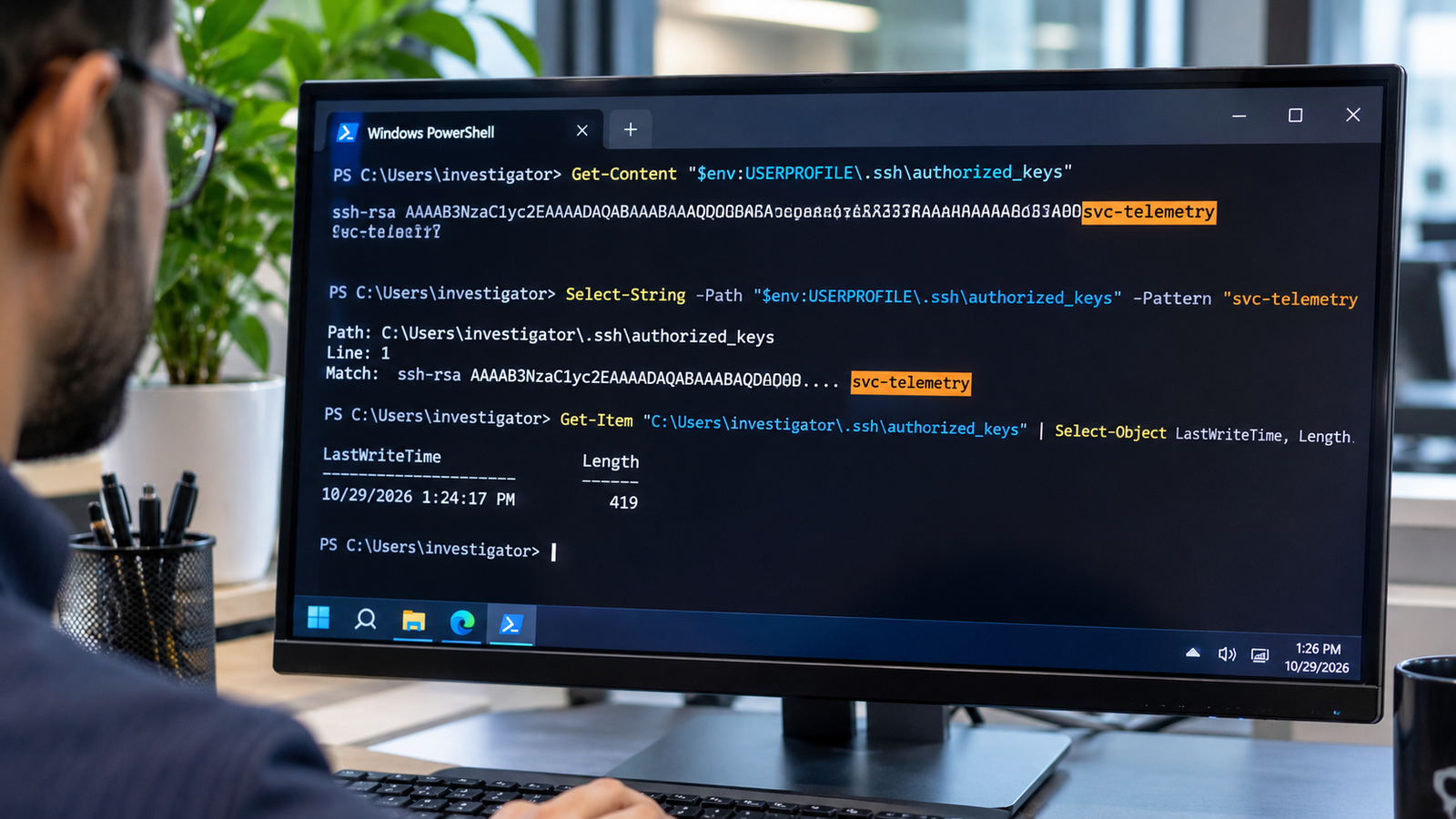
These commands are a limited indicator check, not a complete security assessment.
On macOS
Open Terminal and run:
Check your user’s SSH authorized keys file
grep -qs svc-telemetry ~/.ssh/authorized_keys && echo "svc-telemetry key found" || echo "No key marker found in this file"
On Windows
Open PowerShell and run:
Check the SSH authorized keys files
$files = "$HOME\.ssh\authorized_keys", "C:\ProgramData\ssh\administrators_authorized_keys" | Where-Object { Test-Path $_ }

if ($files -and (Select-String -Pattern "svc-telemetry" -Path $files -Quiet)) {
    "svc-telemetry key found"
} else {
    "No key marker found in the checked files"
}
Run this in Windows PowerShell. It checks the two specified SSH key files for the marker.
What do the results mean?
If the svc-telemetry marker is found, treat the computer as affected and follow Cursor’s remediation instructions.
If the marker is not found, do not assume that the computer is clean.
Cursor’s notice describes a missing marker as meaning the machine was not impacted. However, Microsoft’s technical guidance cautions that a missing marker alone should not replace a wider review of the extension installation, running processes, network activity and persistence mechanisms.
The commands above check only specific SSH authorization files for one key comment. They do not inspect every possible malicious file, startup mechanism, running process or sign of unauthorised access.
Microsoft also recommends checking the key material and fingerprint rather than relying on the comment alone. A text label by itself is not a complete verification of an SSH key.
For that reason, anyone who installed an affected version should follow the full remediation guidance even if this simplified check does not find the marker.
How to remove the malicious extension and its remaining files
Cursor has published separate remediation scripts for Windows and macOS. Its notice says these scripts are designed to remove the malicious extension, persistence mechanisms, running tunnel processes and the attacker’s SSH key.
The company also says the scripts exit with a non-zero status if anything remains.
Download the scripts only from Cursor’s official security notice. Do not use scripts from an unfamiliar website or an unofficial download.
macOS remediation
Cursor instructs macOS users to:
- Download
remediate-macos.shfrom its official security notice. - Save the script to a folder you can access.
- Open Terminal and navigate to that folder.
- Run the script as the affected user, not as root:
bash remediate-macos.shWindows remediation
Cursor instructs Windows users to:
- Download
remediate-windows.ps1from its official security notice. - Save the script to a folder you can access.
- Open PowerShell using Run as Administrator.
- Navigate to the folder containing the script.
- Run:
powershell -ExecutionPolicy Bypass -File .\remediate-windows.ps1Follow Cursor’s instructions for the relevant operating system. Do not manually delete unfamiliar SSH keys or system files without first identifying them. Removing legitimate keys or startup entries could disrupt normal access or development tools.
What else should affected users do?
Cursor recommends several additional steps:
Review credentials and active sessions. If the computer was used to access source-code repositories, cloud services, developer platforms or other accounts, review those accounts for suspicious activity. Rotate credentials and revoke sessions accessible from affected computers, using a trusted system.
Investigate suspicious activity. Organisations should review endpoint, network and extension-installation records. They should also check for the reported SSH key, persistence mechanisms and running tunnel processes.
Isolate devices showing evidence of compromise. Cursor advises isolating hosts where there is evidence of malicious code execution or backdoor installation. Organisations should preserve relevant logs and evidence before cleanup where possible.
Assess whether the computer needs rebuilding. If the investigation finds continued unauthorised access or cannot establish that the device has been cleaned, rebuilding it may be necessary.
A successful extension uninstall or a negative result from the SSH-key check is not enough by itself to confirm that a computer is safe.
What this incident means for AI coding extensions
The incident highlights a security issue that extends beyond one coding assistant: an extension can become a route into a developer’s working environment.
Developers often use coding tools alongside project files, command-line utilities, source-code repositories and development credentials. Depending on the permissions available, an extension may interact with some of these resources to perform its intended work.
That makes the source and publisher of an extension important. A familiar name, logo or product description does not by itself prove that the package is genuine.
Before installing an extension, check its publisher and distribution source. Be cautious about unexpected updates, and avoid granting development tools more access than they need. Organisations should also keep records of installed extension versions so they can identify affected computers when a security notice appears.
The lesson is not that developers should avoid AI coding assistants. It is that extensions should be treated as software that needs to be verified, updated and monitored like any other application.
How we checked this
Secritic reviewed Cursor’s original security notice, Microsoft’s technical investigation and independent security research from Expel and Sophos.
Cursor’s notice was used to verify the affected extension versions, distribution window, potential user reach, reported attack behaviour and remediation instructions. Microsoft’s research was used to examine the malicious package, the attempted SSH backdoor and the distinction between the affected Cursor marketplace and official Microsoft and Anthropic distribution channels.
Expel’s incident-response report was used to explain why investigations may need to consider suspicious activity beyond the original distribution window. Sophos provided an additional independent account of the affected versions and the attempted SSH access and persistence mechanisms.
We have not treated Cursor’s potential exposure estimate as a confirmed infection count. We have also distinguished the attempted remote-access mechanism from successful access to individual computers.
The SSH-key commands in this article are limited checks for one reported indicator. They are not a complete assessment of whether a device is clean. Cursor’s published remediation instructions were checked against its current security notice, including the stated script names and operating-system requirements. The downloadable script contents were not independently audited by Secritic.
The key takeaway: A malicious Claude Code extension can leave files and background mechanisms behind even after the visible extension has been removed. If you installed versions 2.1.312 or 2.1.313 through Cursor’s marketplace during the reported exposure window, do not rely on uninstalling the extension alone. Follow Cursor’s official remediation guidance and investigate the device before returning it to sensitive work.



Community discussion
Join the conversation
0 comments
Be the first to join in
There are no comments yet. Sign in to start a thoughtful discussion.
Sign in to comment
Join the conversation with your Secritic account. Comments are available to signed-in readers.